

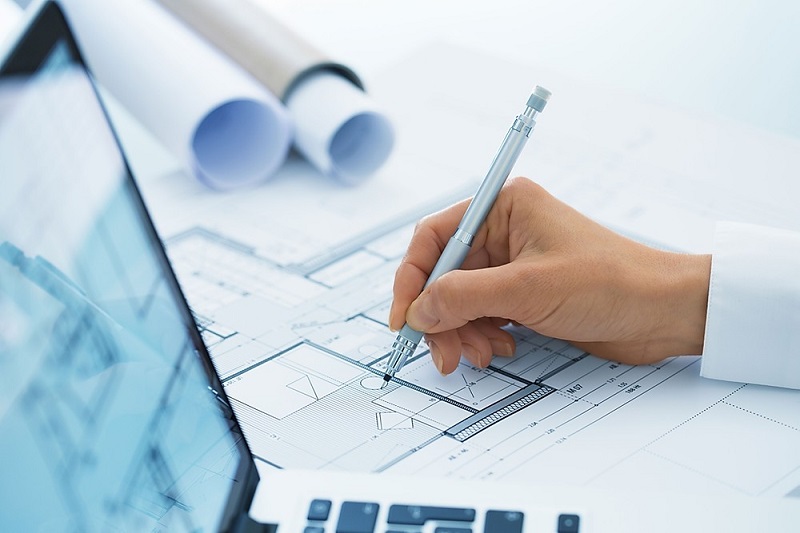
What is a drafter? What does drafters do in their daily routine? Well, drafters transform ideas indoor blueprints with the help of computer Aided Design (CAD) drafting and building information modeling (BIM). This in particular allows modifications to be made with relative ease. Most companies and institutions will have scanned their hand-drawn copies into computers and made them digitized. The original drawings will be kept in a locked drawing cabinet in a secure archive room.
Better Quality Designs – The CAD software offers excellent tools for design professions that will help perform an analysis of a proposed design. These tools also help make designs with high accuracy, and the scope for errors is much lower than hand drawing. What is a drafter supposed to do to ensure accuracy?Higher accuracy is achieved with CAD application. With accuracy, better designs can be created and these designs help in faster manufacturing processes. Manual design not only takes more time but also delays the process in overall through the errors caused.
Easy Saving and Sharing – All the designs and drawings created with CAD help can be easily saved and well-maintained for future use and reference. These saved drawings can also be edited and printed whenever needed. Some components from the drawing can be standardized for future uses. Unlike manual drafting, the CAD drawings require a smaller amount of space and can be stored in a hard drive, USB pen drive, or cloud. Besides, it can be shared easily.
Modify and Reproduce Faster – Creating a digital blueprint with CAD has numerous advantages when compared to generating a traditional blueprint. Modifying CAD geometry is easy with all the available tools. Correcting any errors is much faster when compared to using a pencil and paper. Previously, the draughtsman used to take days to complete a drawing by manual drafting. Additionally, reproducing the drawing meant recreating the drawing from scratch. However, with CAD drafting, you can reproduce the drawing in no time and make as many copies as you want.
Ability to Create 3D CAD Models – what is a drafter’s work in creating 3D models? With CAD, drafters can convert an idea into a visible sketch within a few minutes. With a rough draft, one can make something with CAD software. Creating 3D CAD models manually is a very challenging and tiresome job. 3D CAD packages have many more powerful features for creating the 3D models effortlessly. CAD models are logically connected. In other words, one cannot create a CAD model that is not possible practically. Building Information Modeling is the latest in CAD technology that helps in the management of digital illustrations of physical and functional characteristics of a building.
Template & Database Creation – You can create any number of CAD templates with basic details that can be used & reused. These templates can save time by providing fundamental information. The CAD files can be used in creating a database as well. Once created, the CAD templates & CAD database can be accessed through a wide area network. The drawings produced by manual drafting can only be stored locally.
